How Split Ease works
From receipt to fair share in five simple steps. No accounts, no sign-ups — just point, tap, and share.
The entire process — from scanning a receipt to sharing each person's total — takes under 15 seconds. Here's exactly how it works, step by step.
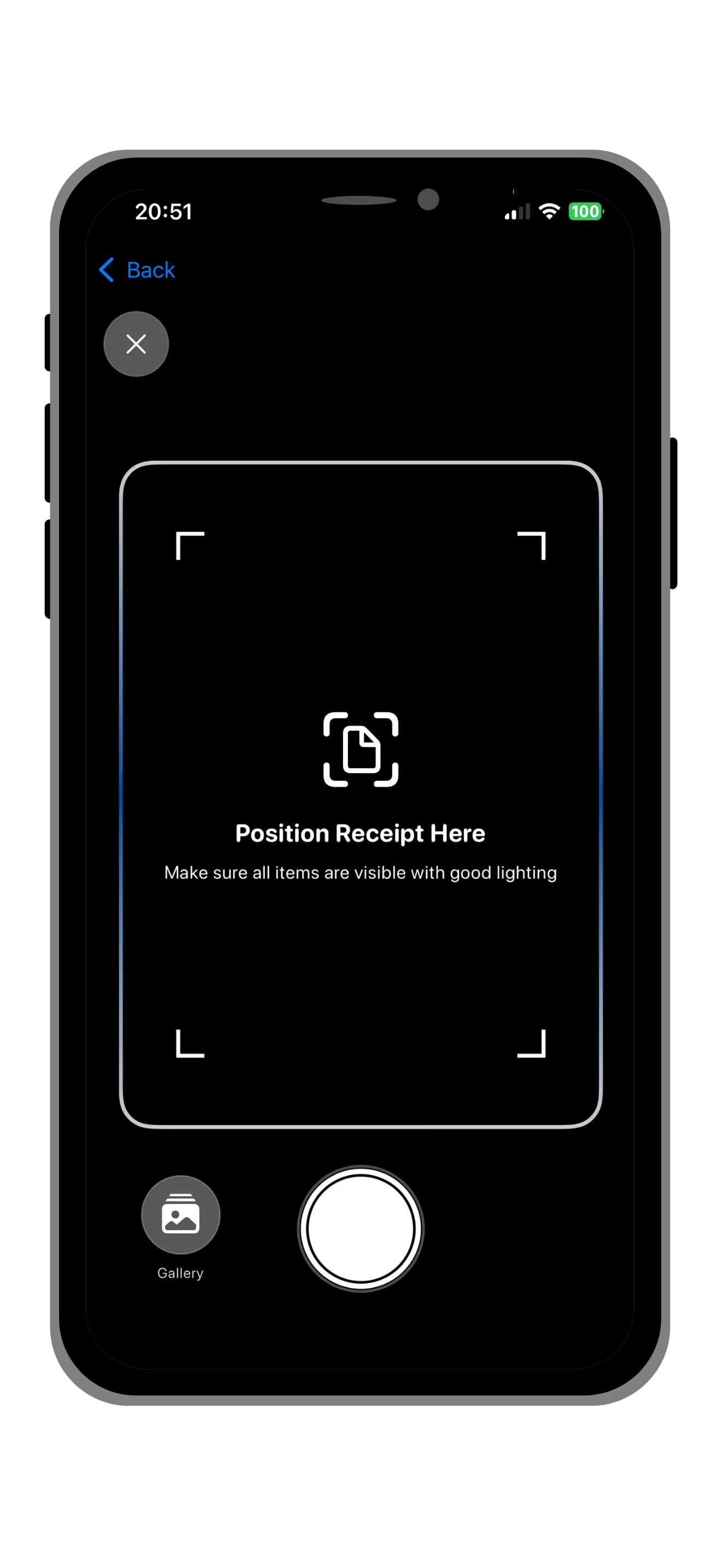
Scan Your Receipt
Open the app and point your camera at any receipt. Split Ease uses AI-powered OCR to automatically recognize every item, its price, tax amounts, and tip. Works with receipts from restaurants, grocery stores, bars, and more — in any language.
Pro tip: For best results, place the receipt on a flat, well-lit surface. The scanner handles crumpled and faded receipts, but good lighting improves accuracy.
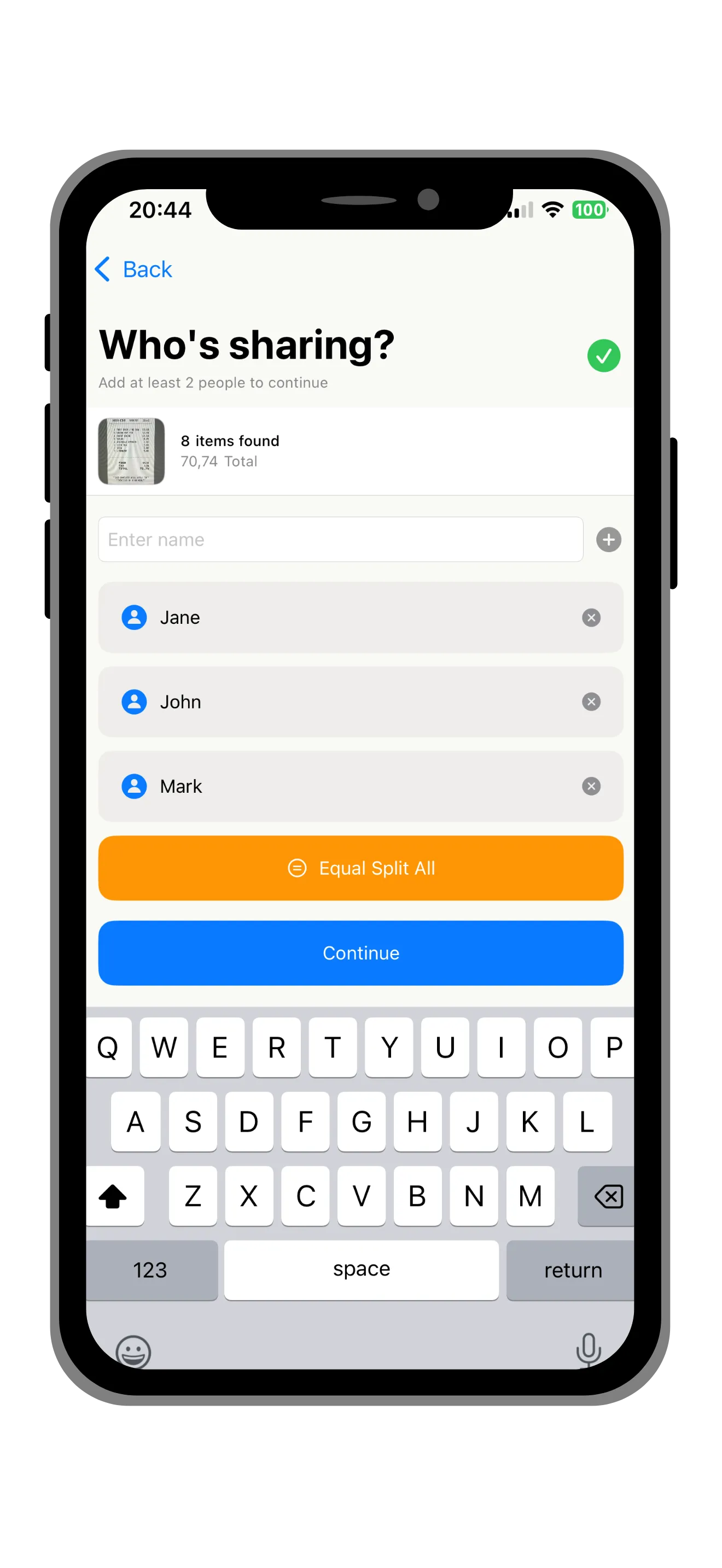
Add Your Friends
Add the people you're splitting with. Quick-add from your saved groups or create new ones. No one needs to download the app — you can share results via any messaging app.
Pro tip: Create saved groups for people you split with often — like your regular dinner crew or housemates. Next time, adding them takes one tap.
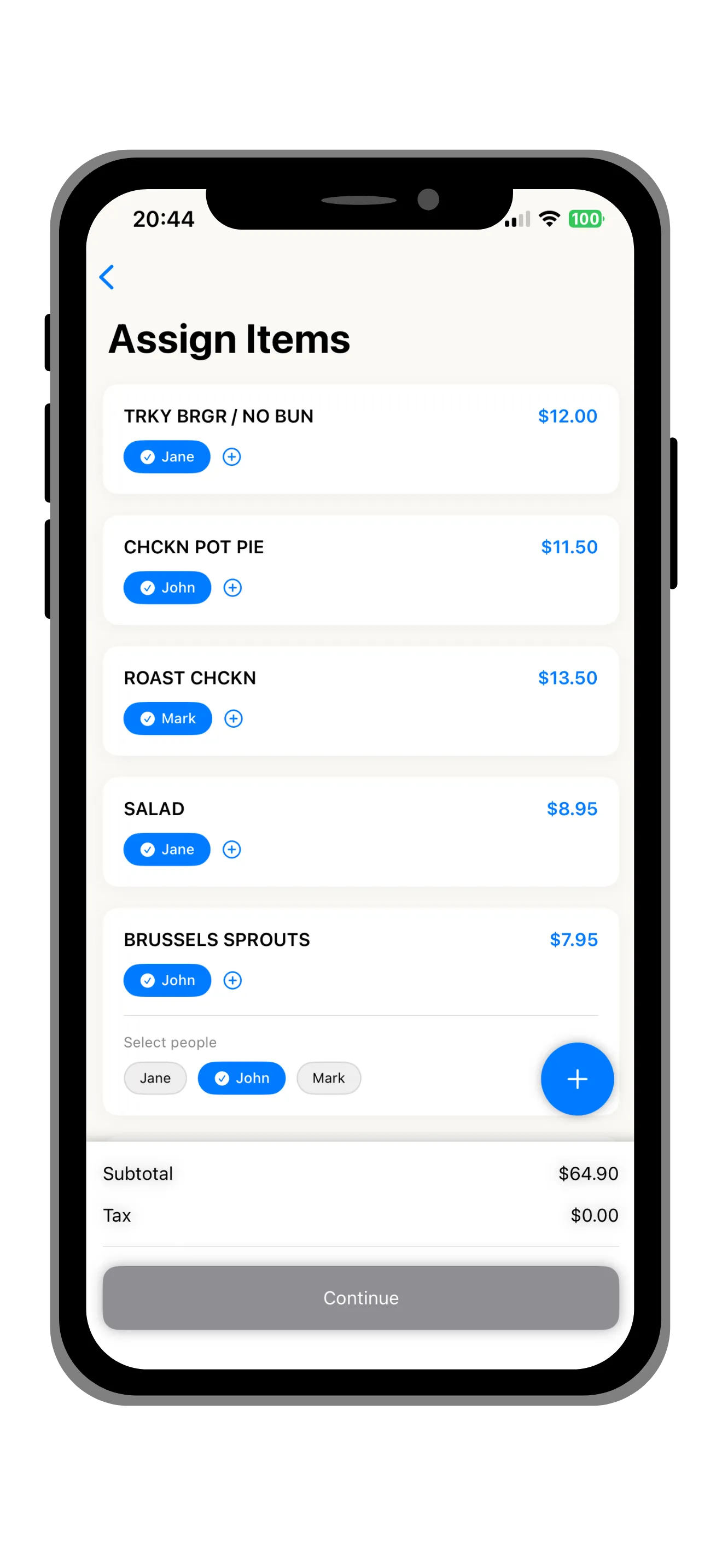
Assign Items
Tap to assign each item to the right person. Shared items like appetizers or drinks can be split evenly among whoever shared them. Swipe to edit or remove items.
Pro tip: Shared items (like appetizers or a bottle of wine for the table) can be assigned to multiple people. Split Ease divides the cost evenly among everyone who shared it.
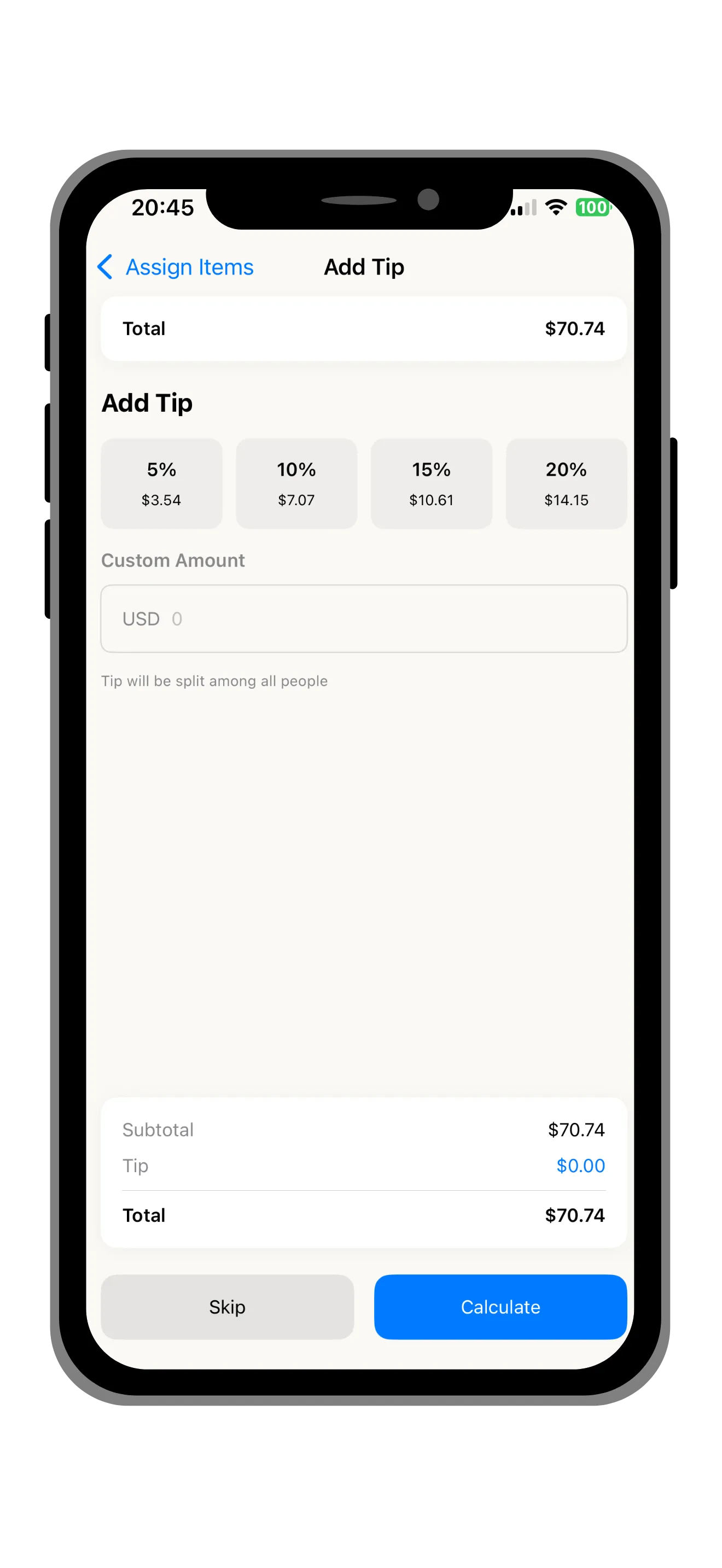
Add Tip & Tax
Choose from preset tip percentages (15%, 18%, 20%, 25%) or enter a custom amount. Tax is automatically distributed proportionally based on each person's items.
Pro tip: Tax is distributed proportionally based on each person's item totals — so the person who ordered more pays a larger share of tax. This is the fairest method.
Share Results
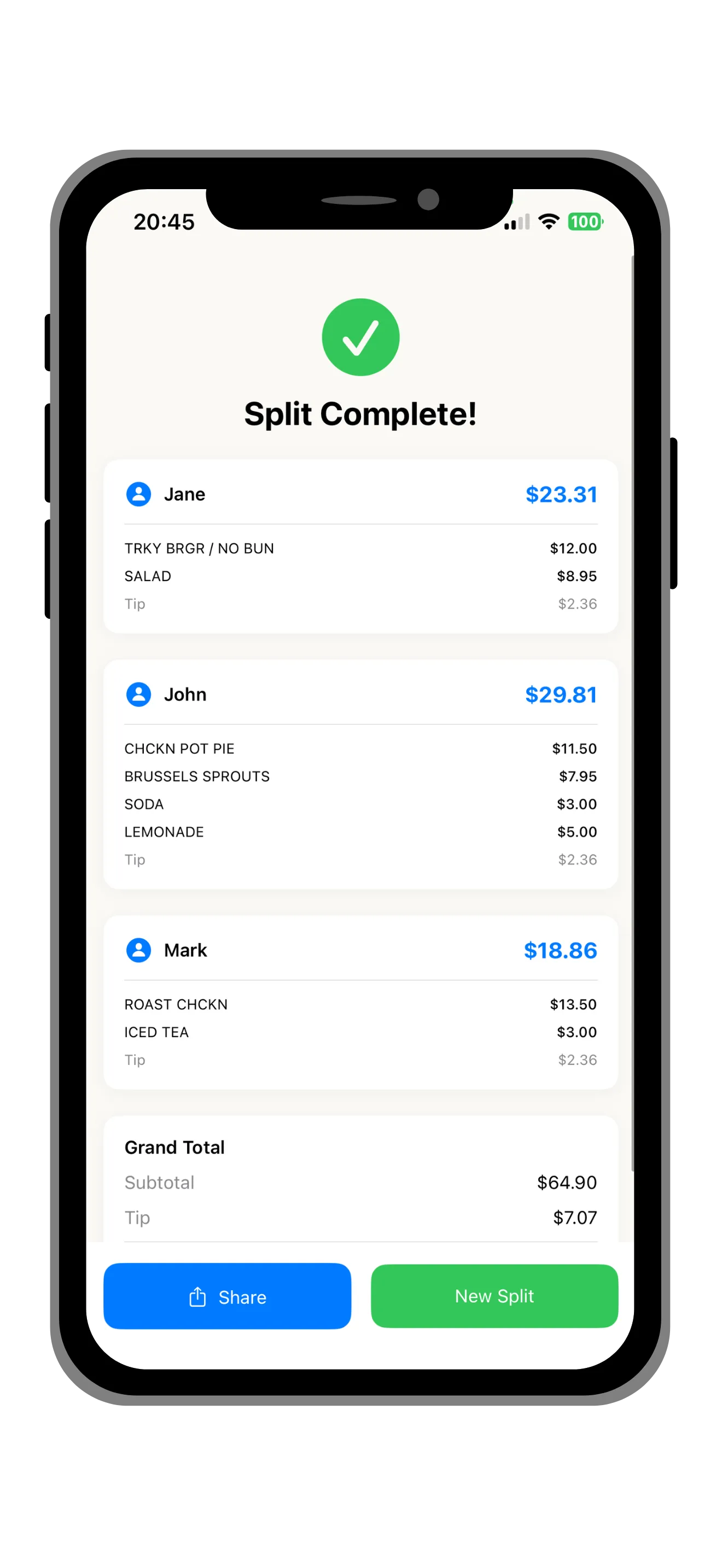
Everyone sees exactly what they ordered and what they owe. Share a beautiful summary via iMessage, WhatsApp, or any other app.
Pro tip: You can share results via iMessage, WhatsApp, or any messaging app. Recipients see a clear breakdown without needing the app installed.
Common questions about the process
What if the scan misses an item?
Tap the "+" button to manually add any missing items. You can also tap any scanned item to edit its name or price. The app is designed so that even imperfect scans are faster to fix than manual entry from scratch.
Do my friends need to install the app?
No. You can share results as a beautiful summary via any messaging app. Recipients see exactly what they owe with a full item breakdown — no download required.
Is my data private?
Yes. All receipt processing happens on your device using on-device AI. Your receipts are never uploaded to any server. You only need internet when you're ready to share results via a messaging app.